Doomscrolling is the habit of continuing to consume upsetting, worrying, or emotionally charged content even after you meant to stop. This guide explains why that loop is so easy to fall into and gives you practical ways to interrupt it without cutting yourself off from the news or treating your phone like the problem.
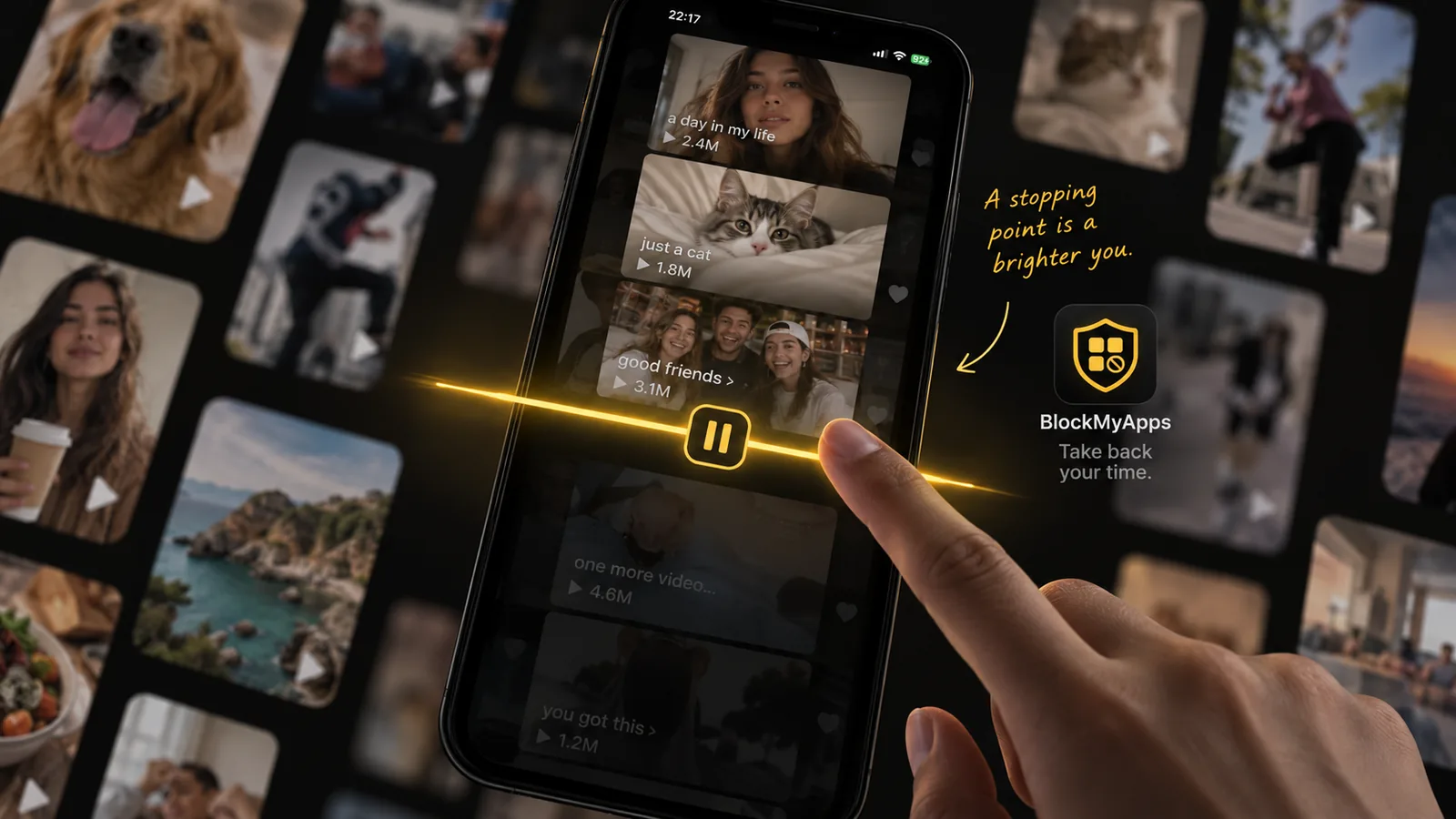
The goal is not to avoid information. It is to create a point where checking can end.
What Is Doomscrolling?
Doomscrolling usually means repeatedly reading or watching negative news and social content for longer than you intended. You might open an app to check one update, then move from one headline to another, refresh the feed, read the comments, and realize much later that you are still there.
It is different from simply spending time on your phone. The defining part is the combination of negative or worrying content and the feeling that you should keep checking for more.
That can happen on:
- News apps
- Social media feeds
- Reddit or discussion forums
- Short-video platforms
- Search results during a developing story
- Group chats where updates arrive continuously
The behavior makes sense in context. When something feels important or uncertain, getting one more update can feel useful. The problem is that an endless feed rarely gives you a clear signal that you now know enough.
Why Doomscrolling Is So Hard to Stop
There Is No Natural Ending
A newspaper page ends. A TV bulletin ends. An infinite feed does not.
When there is always another post below the current one, stopping becomes a decision you have to make yourself. If you are tired, worried, or already absorbed in the story, that decision becomes easier to postpone.
Negative Information Feels Important
People naturally pay attention to information that might affect their safety, plans, family, money, or future. That does not mean something is wrong with you if alarming headlines are difficult to ignore.
The problem is that importance and usefulness are not the same thing. Reading a fifth version of the same story may feel urgent without giving you anything new to act on.
If the issue is broader than negative news, our guide on how to stop scrolling covers practical ways to interrupt endless feeds and automatic app use.
Checking Can Become Automatic
Doomscrolling does not always begin with a conscious decision to read the news. It can start because you picked up your phone while waiting, opened a familiar app, or followed a notification.
Once the feed is open, the original reason for checking can disappear.
Before you open the feed
Ask: What am I checking for, and how will I know when I am done?
That one question gives the session a purpose and, importantly, an ending.
How to Stop Doomscrolling Without Ignoring the World
1. Choose When You Get Updates
Instead of checking throughout the day, give news and current events a few defined windows.
For example:
- Once after breakfast
- Once around lunch
- Once in the early evening
You do not need to follow this rigidly. The value is in separating staying informed from checking continuously.
If something genuinely requires your attention, you can still look. You are simply removing the expectation that every quiet moment needs another refresh.
2. Turn Off the Notifications That Start the Loop
A breaking-news alert can be useful. Twenty alerts from several apps covering the same story usually are not.
Review the notifications that most often pull you into scrolling and keep only the ones you actually want.
You might disable:
- General breaking-news alerts
- Recommended-post notifications
- “You might have missed” alerts
- Trending-topic notifications
- Replies from discussions you no longer need to follow
This does not stop you from opening the app. It lets you decide when to open it.
3. Use a Finite Source When You Can
If you want an update, a source with an ending is often easier to leave than an algorithmic feed.
You could choose:
- One trusted news homepage
- A daily newsletter
- A podcast or scheduled bulletin
- A saved list of a few sources
- One specific search instead of a general feed
The goal is not to find the “perfect” source. It is to make information consumption more deliberate and less open-ended.
4. Add Friction Before the Apps You Doomscroll In
If you know which app usually starts the loop, make it slightly harder to reach automatically.
Try:
- Moving it off your main Home Screen
- Removing its widget
- Logging out
- Setting an app limit
- Blocking it during specific hours
- Keeping it unavailable during work or bedtime
A little friction creates a moment in which you can notice what you are about to do.
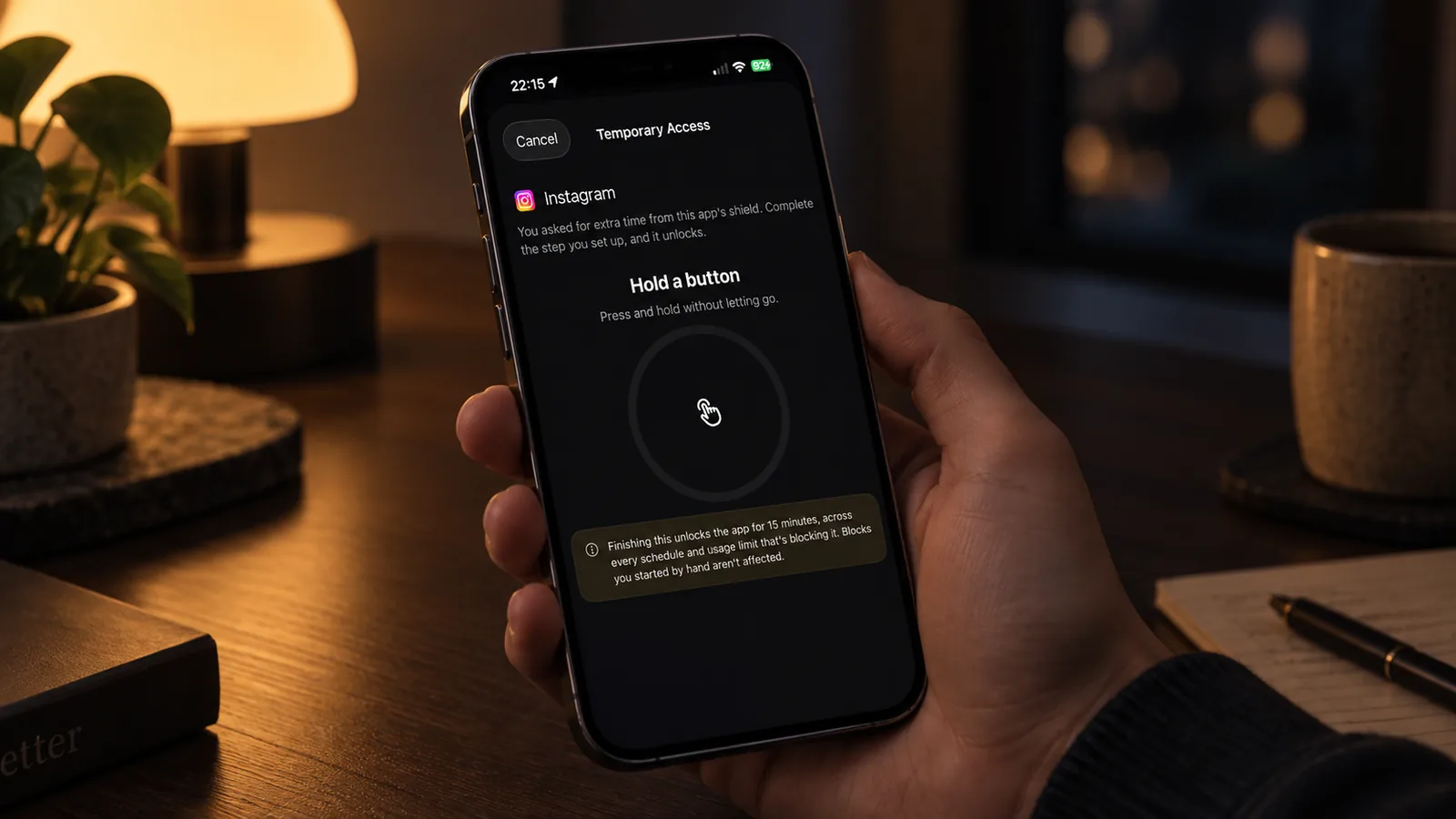
Adding friction works best when it creates a pause before the app opens again.
5. Protect the Time Before Bed
Doomscrolling often gets harder to stop late at night because there are fewer natural interruptions. You are already in bed, there is no next meeting, and “one more update” can easily become many.
A simple bedtime rule is often more useful than trying to use your phone less all day.
For example:
- Stop news and social apps 30–60 minutes before bed
- Charge the phone outside arm's reach
- Keep one low-stimulation activity available instead
- If you need your phone as an alarm, leave it across the room
6. Decide What You Will Do When You Stop
Stopping creates a small empty moment. If there is nothing to move to, reopening the same app is easy.
Choose something that fits the situation:
- Make tea
- Put on music
- Read a few pages
- Message someone directly
- Stretch
- Take a shower
- Go to sleep
- Simply put the phone down
The replacement does not need to be “productive.” It only needs to make the transition away from the feed easier.
7. If You Keep Ignoring Limits, Add More Friction
Some people only need a reminder. Others dismiss the reminder before they have consciously registered it.
If your normal Screen Time warning has become part of the scrolling routine, try a stronger stopping point rather than adding more reminders.
That could mean:
- A scheduled app block
- A restriction during a specific high-risk time
- An extra step before temporary access
- Leaving the phone physically farther away
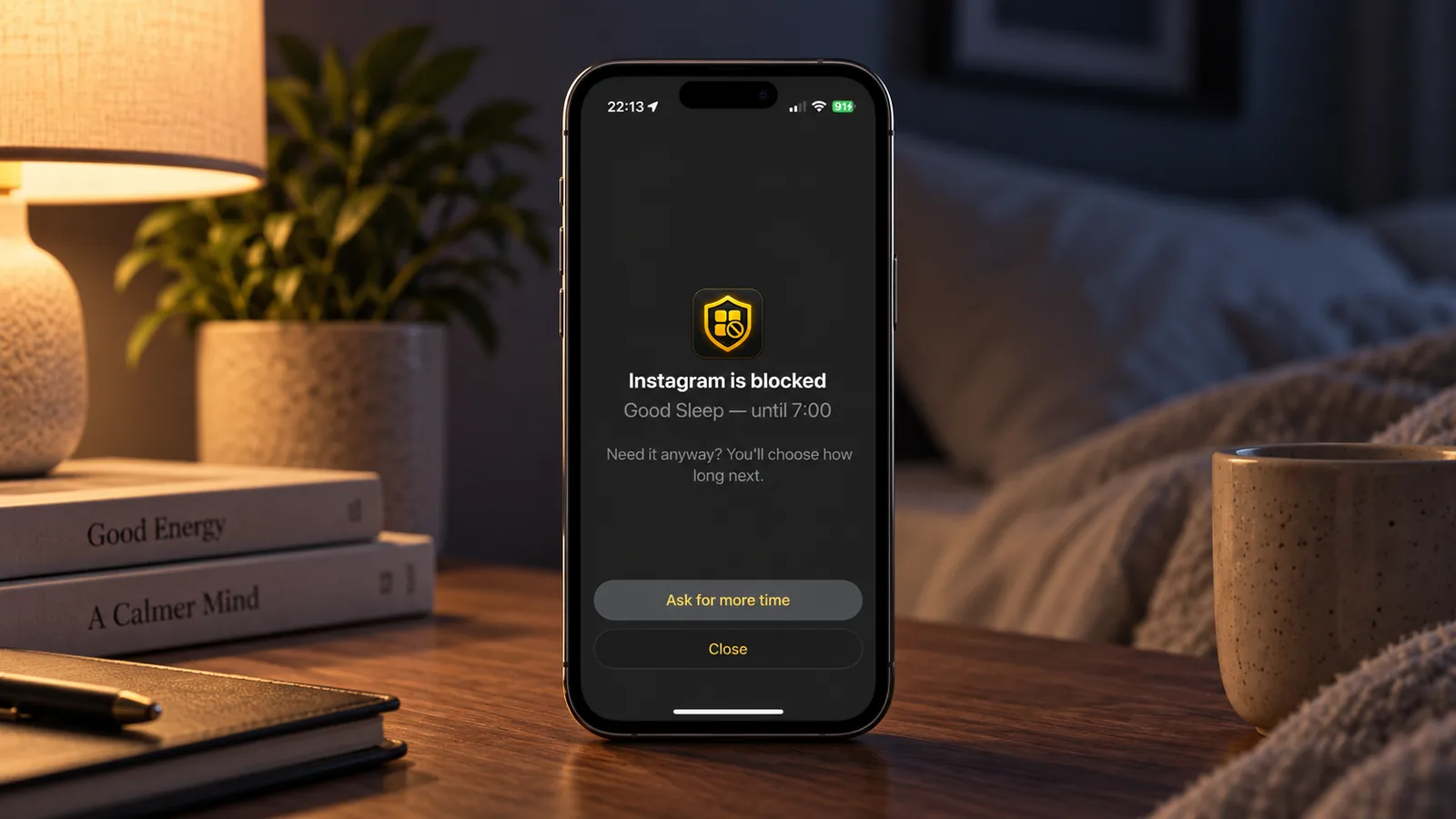
The useful amount of friction is the smallest amount that actually interrupts the automatic check.
A Five-Minute Doomscrolling Reset
If you notice that you are already deep in a feed, you do not need to rescue the rest of the day. Just interrupt the current loop.
- Close the app you are scrolling
- Put the phone down for one minute
- Ask whether you learned anything new in the last few posts
- Decide if there is one specific update you still need
- If yes, check that source directly
- If no, move on to the next thing you were going to do
This is deliberately small. The easier the reset is to use in the moment, the more useful it becomes.
What If Doomscrolling Keeps Coming Back?
It probably will occasionally. News cycles change, stressful periods happen, and habits are not erased by one good setup.
Instead of treating that as failure, look for the pattern:
- Which app were you using?
- What time was it?
- What kind of story kept you there?
- Were you looking for information, reassurance, distraction, or something else?
- What would have created a clean stopping point?
Then change that part of the environment.
A rule such as “I do not use Reddit after 10 p.m.” is much easier to apply than “I need to have more self-control.”
Staying Informed Without Staying Stuck
You do not have to choose between being informed and protecting your attention. Doomscrolling becomes easier to manage when news has a purpose, a time, and an ending.
Start with the one feed or time of day that causes the most trouble. If you want a stronger stopping point on iPhone, BlockMyApps can help you block selected apps on a schedule and add friction before you open them again.