If you want to stop scrolling, the most useful place to start is not with more self-control. It is with the small moments that make scrolling easy to begin and hard to end. This guide gives you practical ways to interrupt that loop without deleting every app or treating your phone like the enemy.
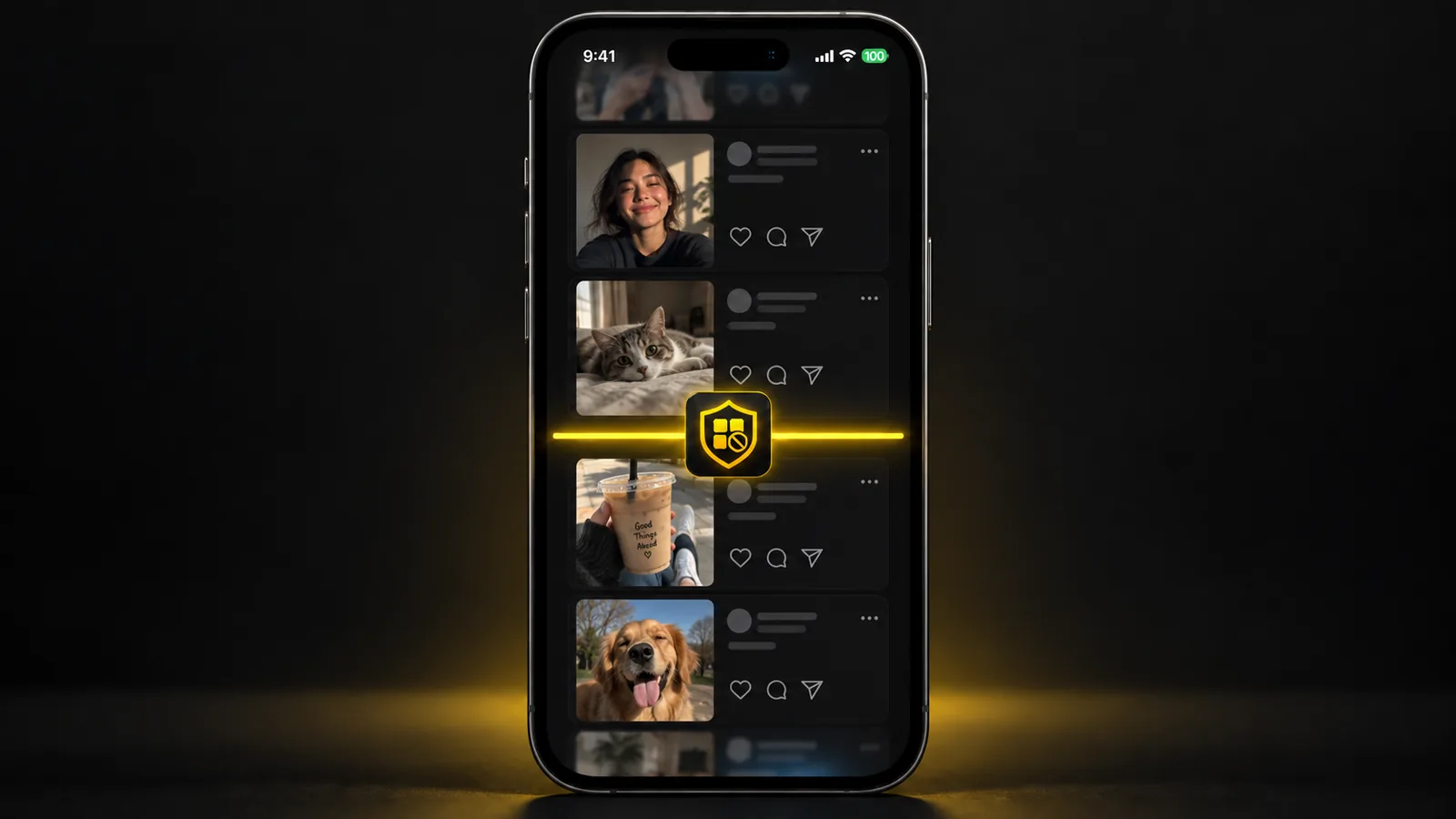
Small changes to when and how an app opens can make scrolling less automatic.
Why It Is So Hard to Stop Scrolling
Scrolling often starts with a reasonable action: checking a message, opening Instagram for one post, looking up a video, or seeing what happened in the news. The problem is that many feeds have no natural ending. There is always another post, short video, comment, recommendation, or refresh waiting below the current one.
That matters because stopping requires a new decision. Starting often takes one tap, while stopping means noticing what you are doing, deciding you have had enough, and then choosing something else.
The habit can also become attached to very specific moments:
- Waiting for coffee
- Sitting on the sofa after work
- Getting into bed
- Feeling stuck on a difficult task
- Standing in a queue
- Picking up your phone after a notification
The goal is not to remove every one of these moments. It is to make the automatic sequence a little less automatic.
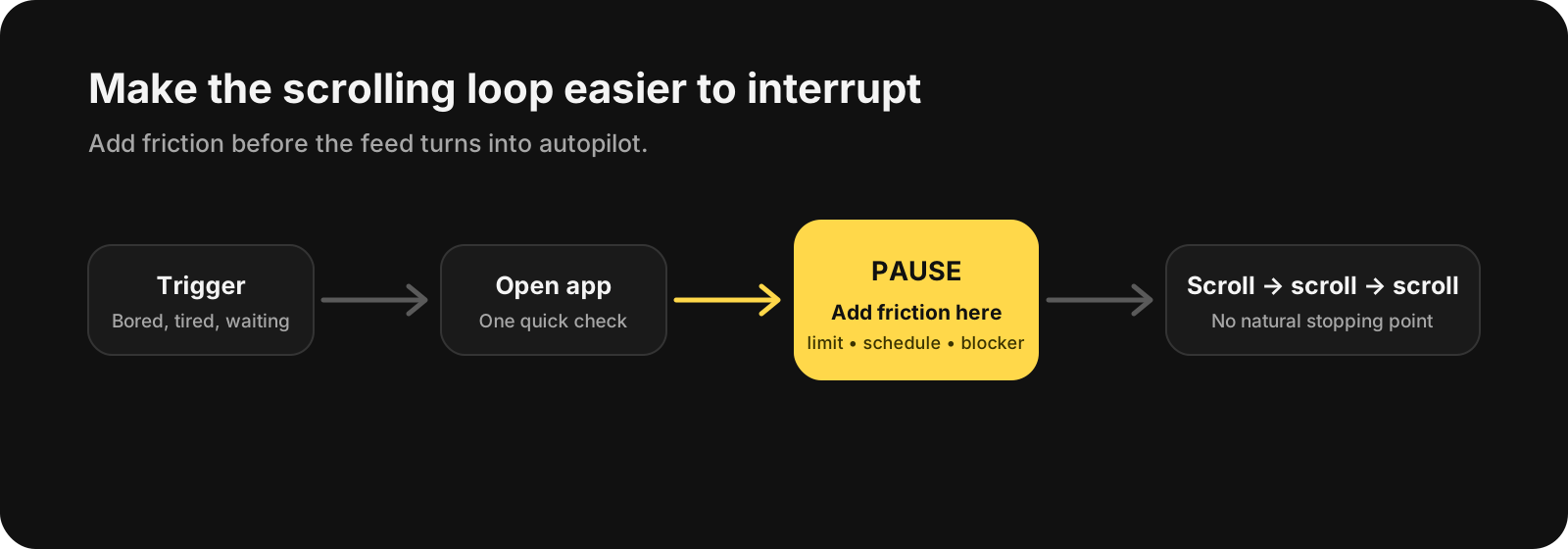
The easiest place to change the loop is often before the feed has your full attention.
How to Stop Scrolling Without Relying on Willpower
1. Find the Exact Scrolling Loop
“Use my phone less” is difficult to act on because it is too broad. Instead, identify the app, time, and situation where scrolling usually gets away from you.
For example:
- Instagram after getting into bed
- Reddit during work breaks
- YouTube Shorts while eating
- TikTok when you are avoiding a difficult task
Once the pattern is specific, you can change that pattern instead of trying to change your entire relationship with your phone at once.
2. Add Friction Before the App Opens
One of the simplest ways to stop scrolling is to make the first tap slightly less convenient.
You can:
- Remove scrolling apps from your Home Screen
- Turn off non-essential notifications
- Log out of an app you open automatically
- Put social apps in a folder away from the first page
- Use an app limit or blocker during the hours when scrolling is most likely
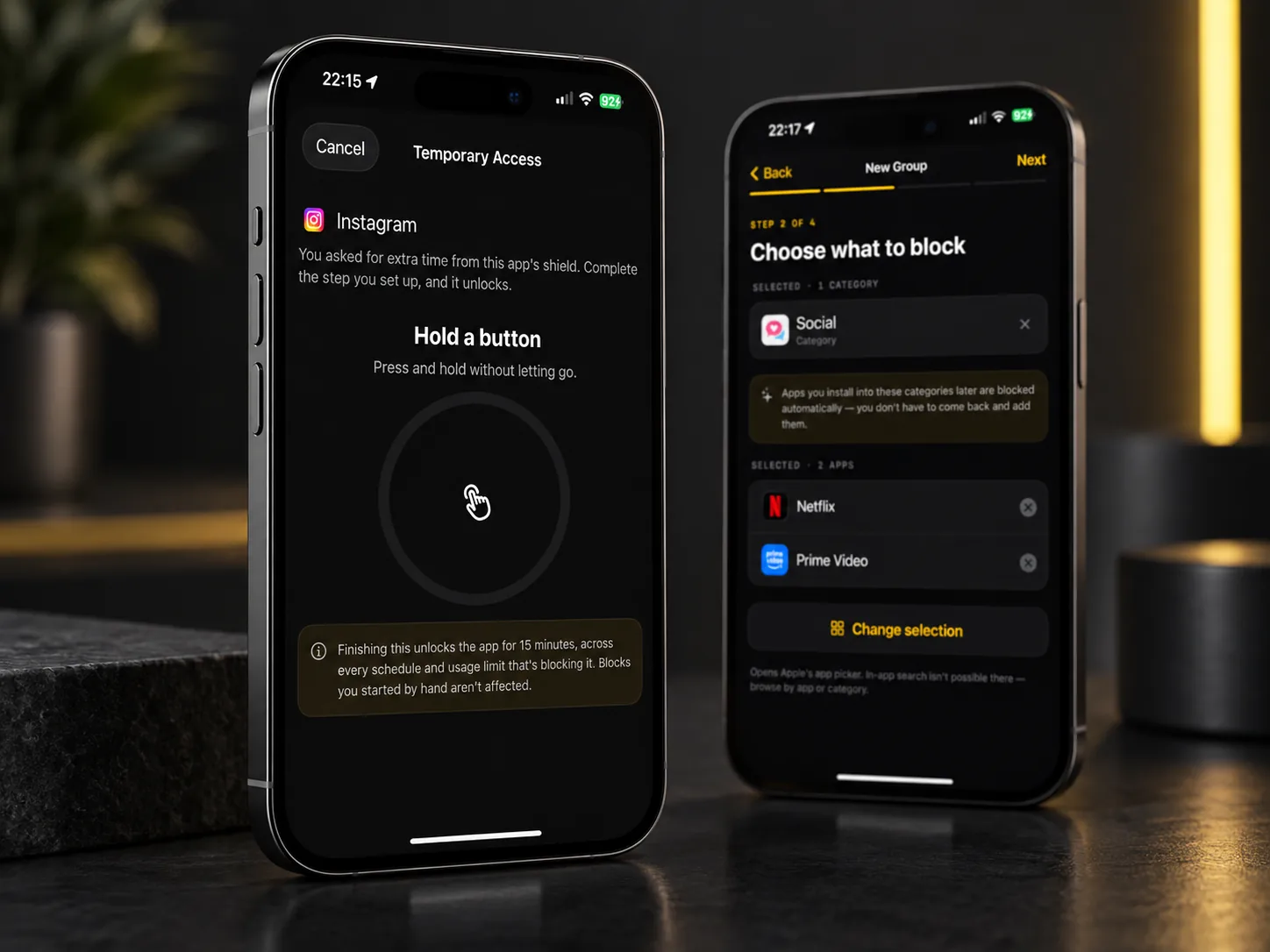
Choose which apps to block, then decide what it takes to get extra time.
The point is not to make access impossible. A small interruption can be enough to turn an automatic action into a conscious choice.
3. Create a Stopping Point Before You Start
Infinite feeds do not give you a natural moment to finish, so create one yourself.
Before opening an app, decide what “done” means. It could be:
- Ten minutes
- Checking three messages
- Watching one saved video
- Reading one discussion thread
- Catching up with accounts you intentionally follow
A timer can help, but the important part is deciding on the stopping point before you are already absorbed in the feed.
If a timer is easy to dismiss every time, that is useful information. You may need stronger friction rather than another reminder.
4. Separate Intentional Use From Automatic Use
Not all scrolling is a problem. You might genuinely enjoy watching videos, reading Reddit, or checking what friends have posted.
The difference is whether you chose to do it.
Before opening a feed
Ask yourself: What am I opening this app to do?
You do not need to make this into a mindfulness exercise. A simple answer is enough: “reply to Anna,” “check football news,” or “scroll for a few minutes while I wait.”
If there is no answer, you have caught the habit before it fully started.
5. Make the Most Difficult Time of Day Easier
For many people, scrolling is not equally difficult all day. It becomes harder to stop when they are tired, bored, stressed, or avoiding something uncomfortable.
Instead of setting the same restrictions for every hour, protect the period that causes the most trouble.
For example:
- Block social feeds during the first hour of work
- Keep short-video apps unavailable after bedtime
- Allow social apps at lunch but not during focused work
- Keep the phone away from the sofa if evening scrolling is the main issue
This is usually easier to maintain than trying to follow a permanent “I should barely use my phone” rule.
If late-night scrolling is the main issue, read our guide to doomscrolling and how to stop it.
6. Remove the Easy Workarounds You Actually Use
A restriction only helps if it interrupts your real behavior.
If you block an app but immediately open the same service in Safari, the problem has simply moved. If you repeatedly override a limit, the limit is not creating enough of a pause.
Pay attention to your own workaround patterns. You may need to block a browser during a focus period, remove a bookmarked shortcut, or use a stricter limit for a specific window of time.
Do not build a complicated system around workarounds you have never used. Start with the ones that actually happen.
7. Give the Empty Moment Somewhere to Go
Stopping scrolling creates a small gap. If you do not decide what happens next, opening the same app again is very easy.
Your replacement does not need to be productive. It only needs to fit the moment.
Try something that takes roughly the same amount of effort:
- Put on one song
- Make tea
- Walk to another room
- Read two pages of a book
- Answer one message
- Stretch for a minute
- Do nothing for a moment
Replacing a five-minute scroll with “work on my biggest life goal” is usually unrealistic. Match the replacement to the size of the moment.
A Simple Plan to Stop Scrolling Today
You do not need to redesign your phone all at once. Try this small setup for a few days:
- Pick the one app where you most often lose track of time
- Choose the one time window when it causes the most trouble
- Remove its non-essential notifications
- Move it off your main Home Screen
- Add a time limit or blocking period for that window
- Decide what you will do when the limit interrupts you
- Adjust the setup based on what you actually do, not what you expected to do
That last step matters. If you keep bypassing a restriction, do not treat it as proof that restrictions do not work. It usually means the current restriction is too easy to ignore, starts at the wrong time, or targets the wrong app.
What If Screen Time Limits Are Too Easy to Ignore?
Built-in screen time tools can be useful, especially when you mainly need awareness. Seeing a limit appear can be enough to remind you that you intended to stop.
For other people, a dismissible warning becomes part of the routine. Tap “ignore,” continue scrolling, repeat tomorrow.
In that case, consider increasing the amount of friction between the impulse and the app. That might mean scheduled blocking, a harder-to-bypass restriction, or simply keeping the phone somewhere less convenient during a predictable problem period.
The best setup is not the strictest one. It is the lightest restriction that reliably changes what happens in the moment.
If the pull goes beyond one feed, our guide on help with phone addiction shows how to set up a block that leaves the apps you need open.
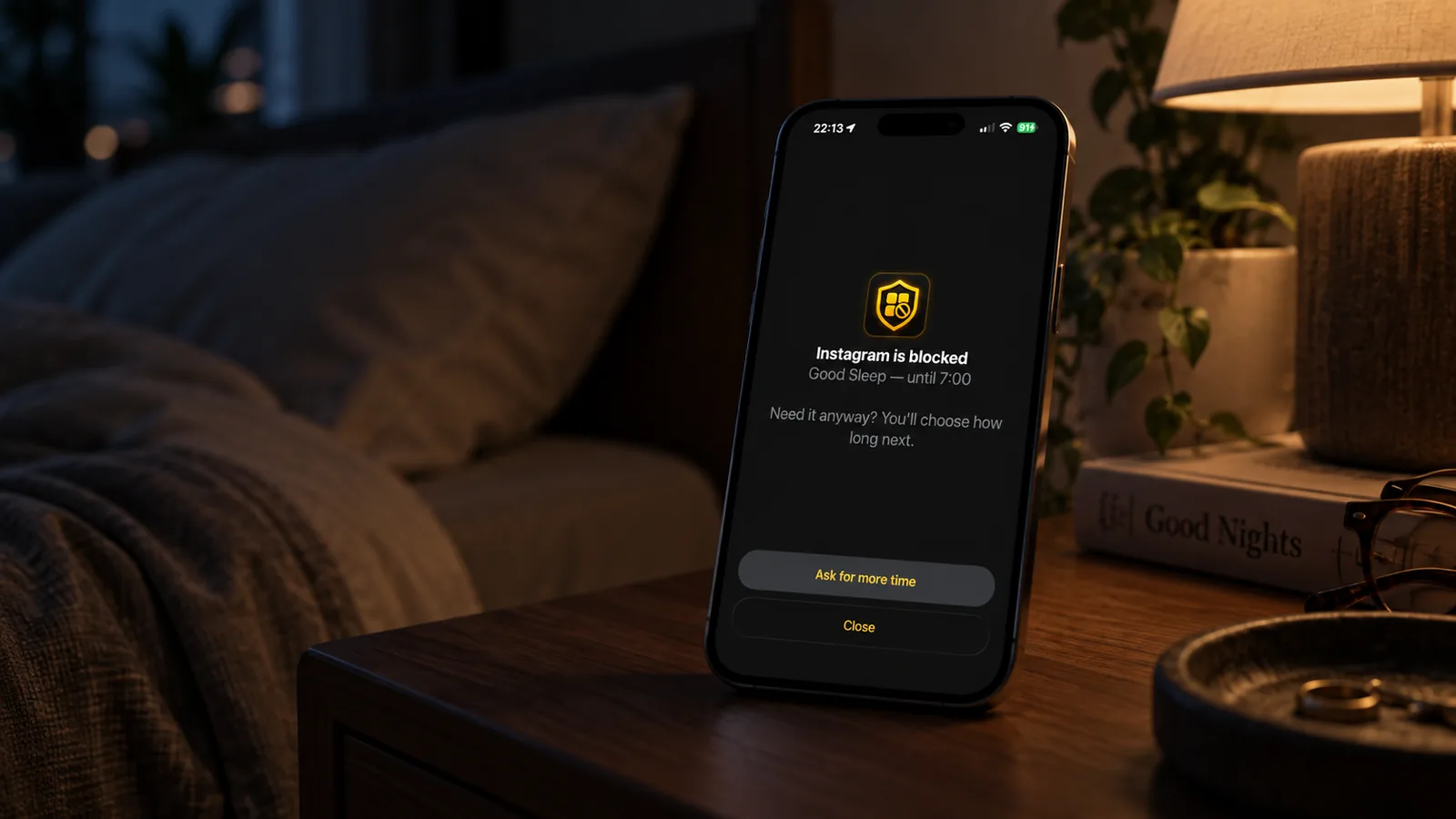
Useful friction should interrupt the habit without turning your phone into a punishment.
You Do Not Need to Quit Your Phone
Learning how to stop scrolling does not require deleting social media, becoming perfectly disciplined, or tracking every minute of your day. A better goal is to make your phone easier to use intentionally and a little harder to use on autopilot.
Start with one recurring scrolling loop and change the environment around it. If you want an extra layer of friction on iPhone, BlockMyApps can help you make selected apps less immediately available during the times you want a clearer stopping point.