Your phone doesn’t have to buzz for you to check it. In a wearable-camera study of 37 participants, 89% of recorded phone interactions began with the user—not a notification.
If you’re trying to stop procrastinating with every alert already silenced, that distinction matters. You’ve dealt with incoming interruptions, not the check you start yourself.
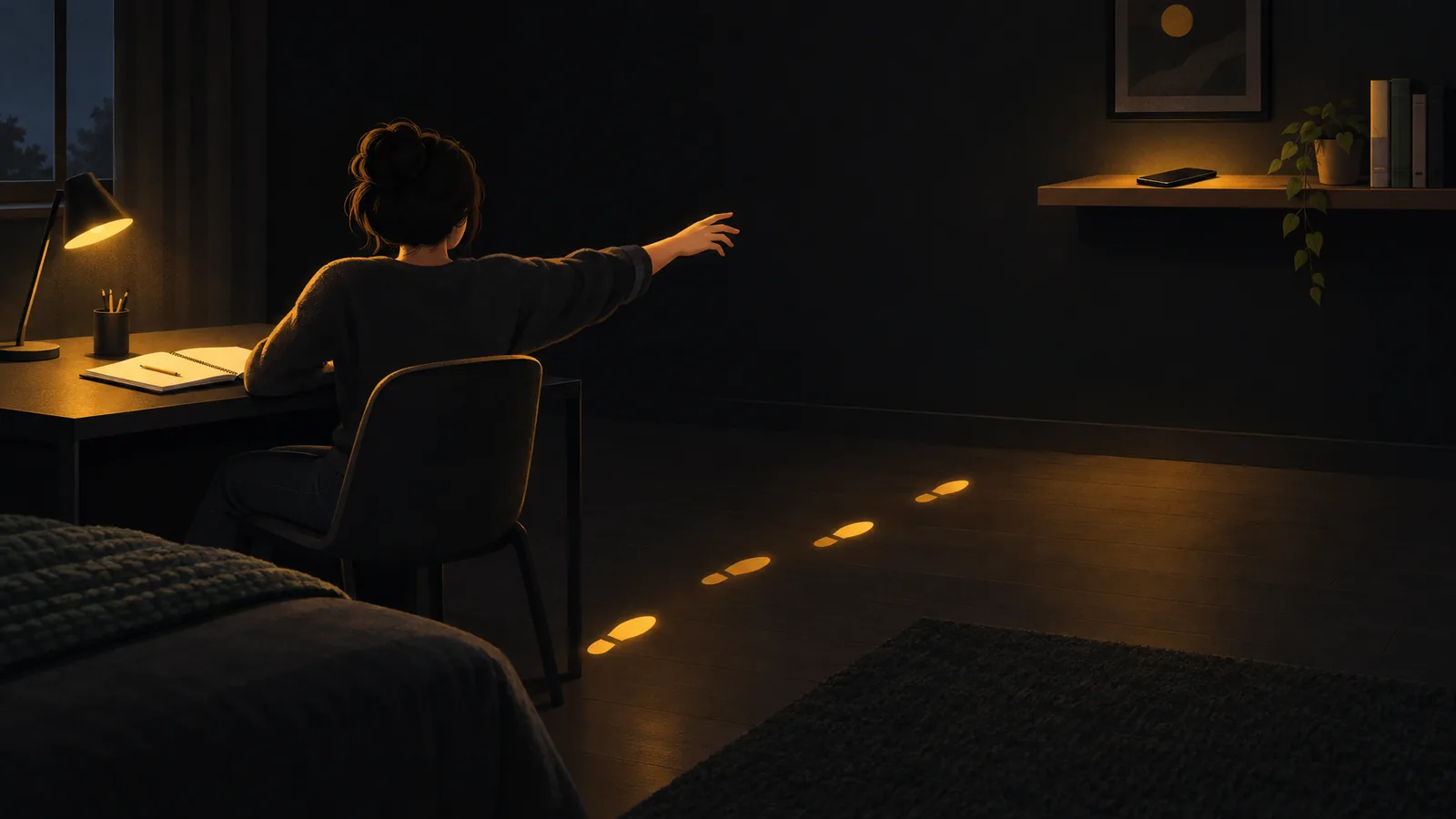
A small gap can turn an automatic reach into a separate decision.
Silence Solves Only the Incoming Part
Maxi Heitmayer and Saadi Lahlou’s camera study combined 200 hours of footage and 1,130 smartphone interactions with interviews. The researchers described habitual checking and limited awareness of its frequency. Those recordings came from a small sample, and a user-initiated interaction could be useful; the finding isn’t a count of wasted checks.
Silencing alerts still has a job. In a 2015 attention experiment, call and text notifications disrupted performance even without people touching their phones. But an alert setting addresses the incoming part of the problem.
Picture a sentence that won’t come together. You reach for the phone before deciding what you want from it. In that moment, the detour begins with the stalled task, not with an alert.
If you keep trying to quit procrastinating but end up in a feed you don’t even enjoy, why a boring feed still wins during chronic procrastination explores that wider pattern. Here, focus on the next self-initiated check.
Change Access for This Work Session
In a May 2026 study of 237 young adults, people reported slightly less procrastination in situations when they disconnected. People who disconnected more overall didn’t report less procrastination overall. The association was small and observational, which fits a modest goal: try protecting the session in front of you, rather than expecting disconnection to fix procrastination generally.
Two ways to stop procrastinating fit this specific distraction problem: move the phone, or restrict what opens on it. Choose based on whether the task actually needs your phone.
If you don’t need it, put it somewhere you must stand up to reach. A shelf across the room or a kitchen counter will do. Not the far edge of the desk: make the next check involve getting out of your chair.
The point is to put a physical step between the impulse and the check, not to ban phones from every room where work happens. If you still walk over and retrieve it, distance alone may not be enough for this task.
If the task needs your phone, block the detours instead. Before starting, block the apps you tend to open instead of working, while leaving the tools you need available. Keep the calculator or class chat; close off the feed or game that takes you away from the task.
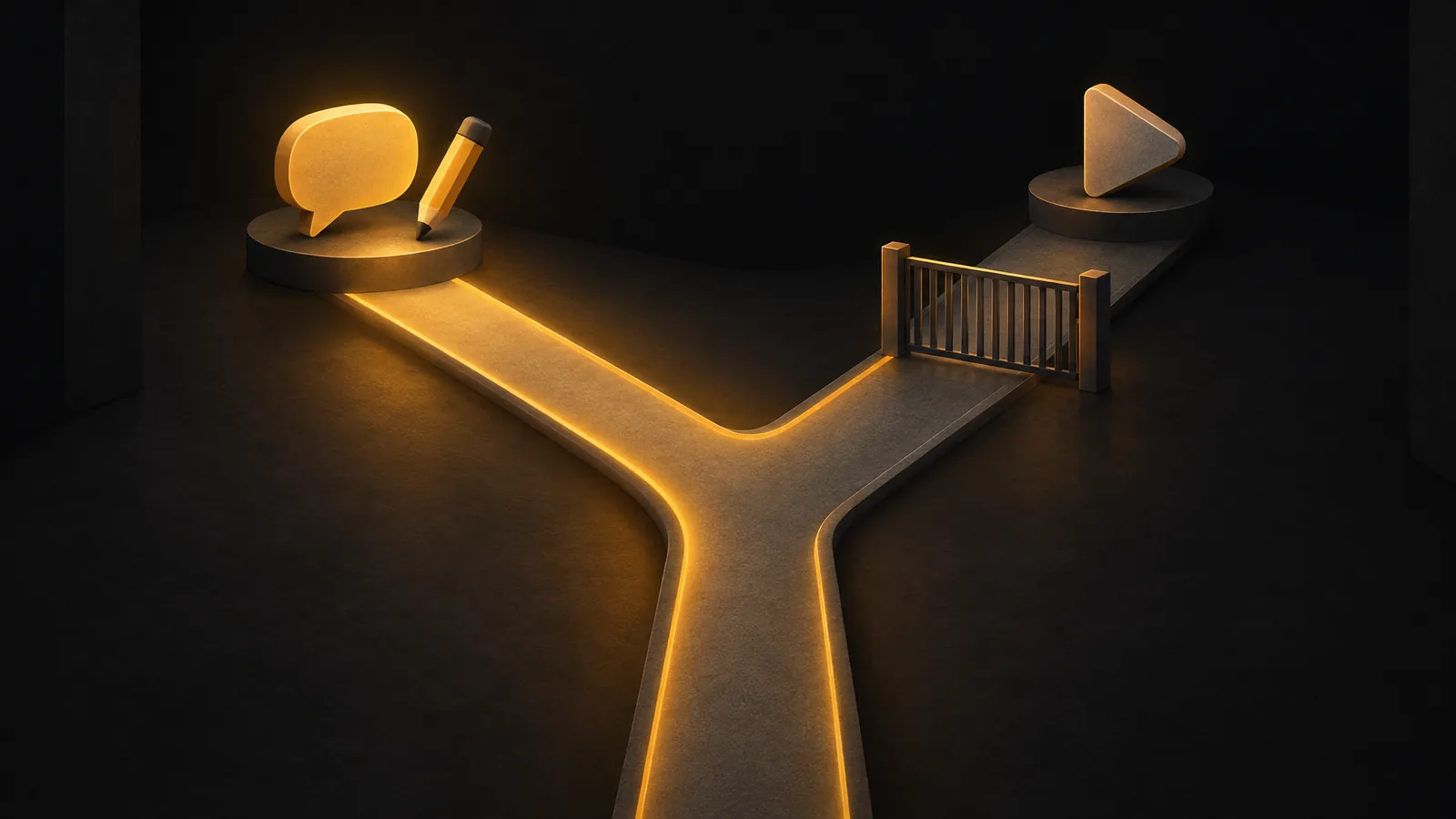
Leave the useful route open; put a barrier in front of your usual detour.
On iPhone, BlockMyApps is one way to block selected apps for that work session. Choose the distractions before you start, rather than deciding whether to resist each one mid-task.
Your phone is already quiet. For this session, give the automatic reach somewhere to stop: an empty space beside your work, or a blocked app instead of an open feed.