A phone block can help and still be hard to stick with. In a 2025 randomized trial, only 119 of 467 participants met the blocking threshold—even with calls and texts available. That matters when you’re looking for help with phone addiction.
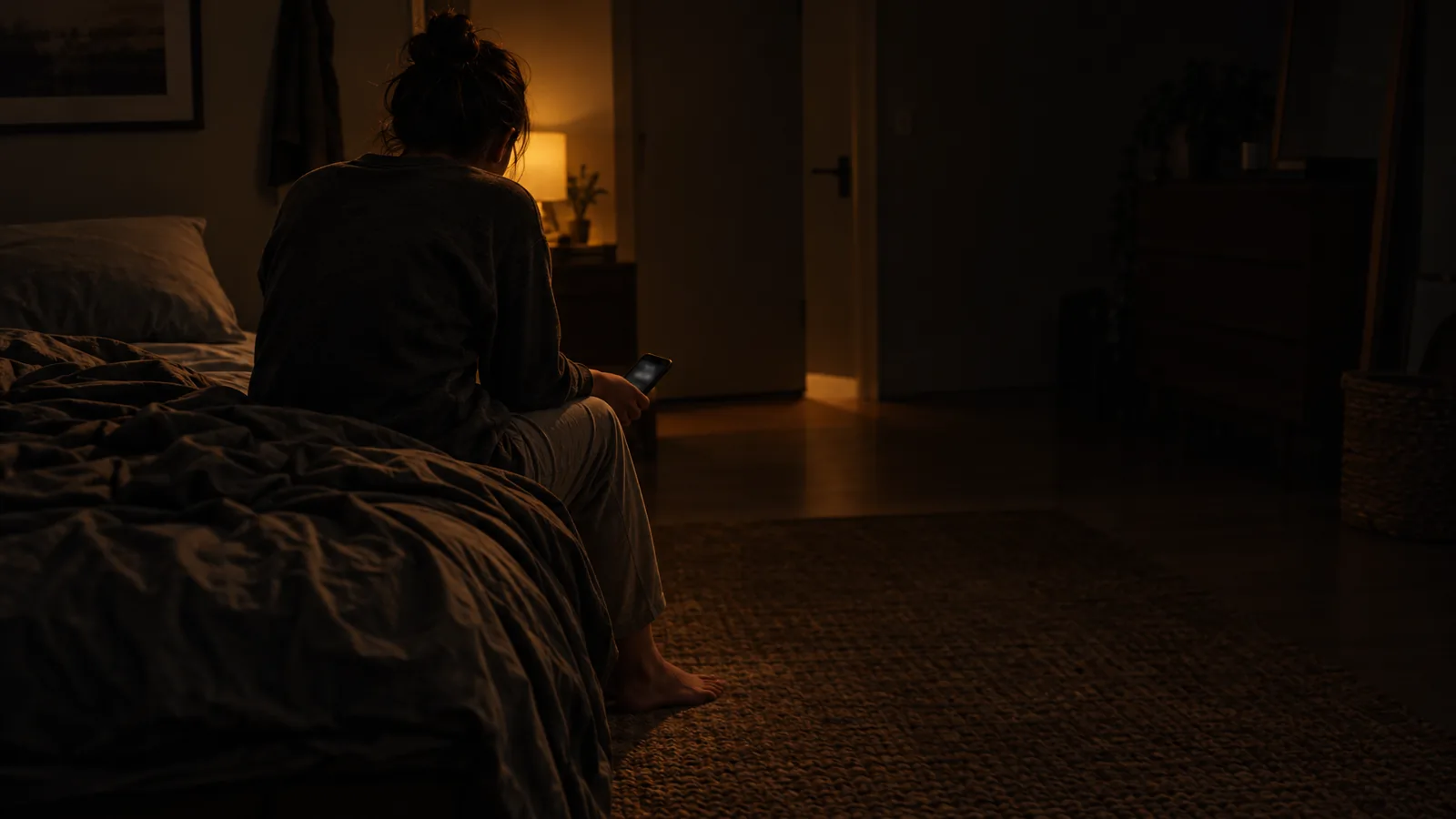
A useful boundary should protect your evening without cutting you off from people.
The Block Helped. Sticking With It Was Hard.
The trial blocked all smartphone internet, including Wi-Fi, for two weeks, while other devices stayed online. It found improvements in self-reported mental health and well-being, plus objectively measured sustained attention. But only 266 participants set the block up, and just 25.5% of everyone enrolled kept it on for at least 10 of the 14 days.
The useful question isn’t just how much you can block. It’s what you need to leave open.
Help With Phone Addiction Starts With One App
Make your first step toward breaking phone addiction selective: one nonessential app, with necessary communication left available. The trial tested blocking all mobile internet, not single apps; starting smaller is a practical choice, not something it measured.
1. Choose One Nonessential App
Choose the app you keep reopening after deciding you’re done. Picture a moment you already recognize: a game while dinner cooks, a feed when a task gets uncomfortable, or videos after you get into bed.
Block that app rather than its entire category. You’re restricting a specific kind of unwanted access, not making every useful phone task something you need an exception for.
For feed-specific tactics, see how to stop scrolling and break the endless scroll habit. For distressing news checking, see doomscrolling and how to stop it.
2. Check What Still Needs to Work
Before switching the block on, check your selection against the communication you actually need: calls, texts, a work or class chat. Make sure those apps remain outside the restriction.
If your partner messages through the app you planned to block, resolve that conflict now. Either leave it available and choose another target, or agree on another way to reach each other first. Necessary access is a setup requirement, not a failure of commitment.
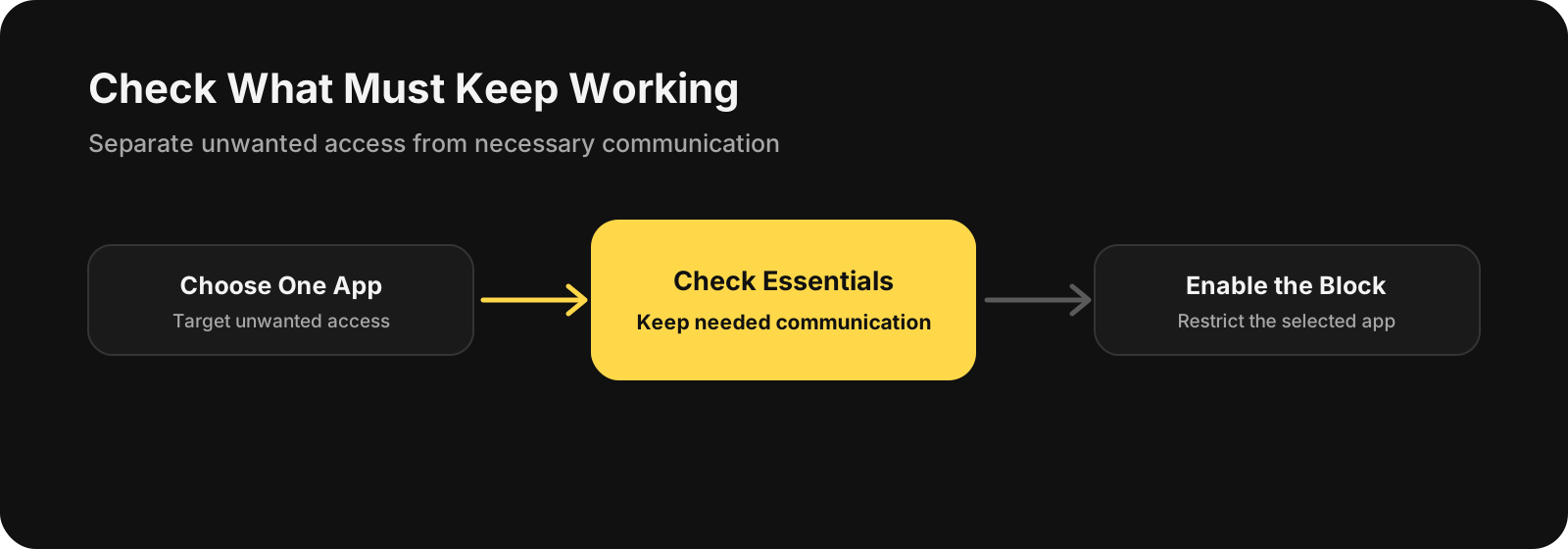
Check what must keep working before you turn the restriction on.
If you’re on iPhone, BlockMyApps is one option for blocking the distracting app you select.
When a Block Isn’t Enough
The American Psychiatric Association’s February 2024 physician-reviewed guidance identifies loss of control, neglected responsibilities, and continued use despite consequences as warning signs; time spent alone doesn’t establish whether use is problematic. If use keeps causing problems despite attempts to change it, consider an assessment with a mental health professional.
The goal isn’t the toughest possible block. It’s a boundary you can keep using: one unwanted app harder to reach, with the people you need still within reach.